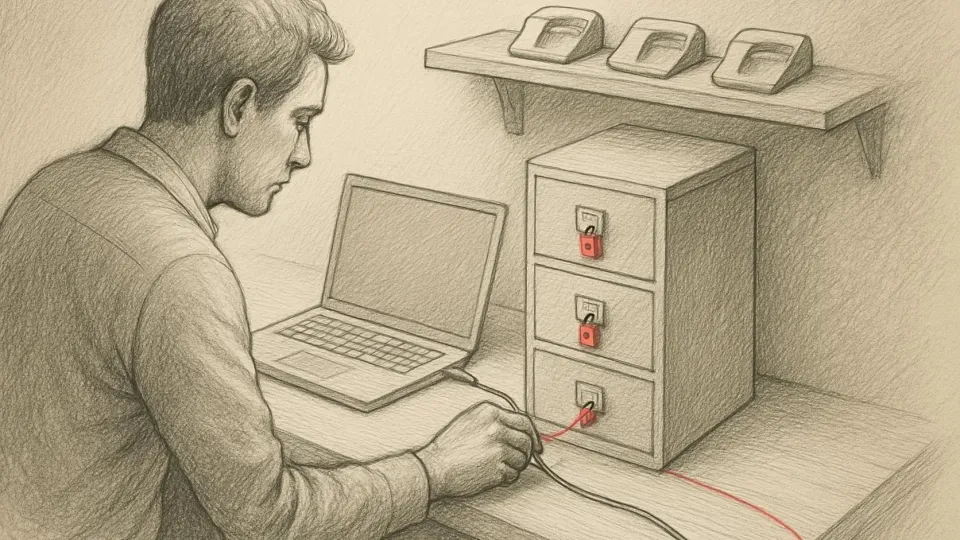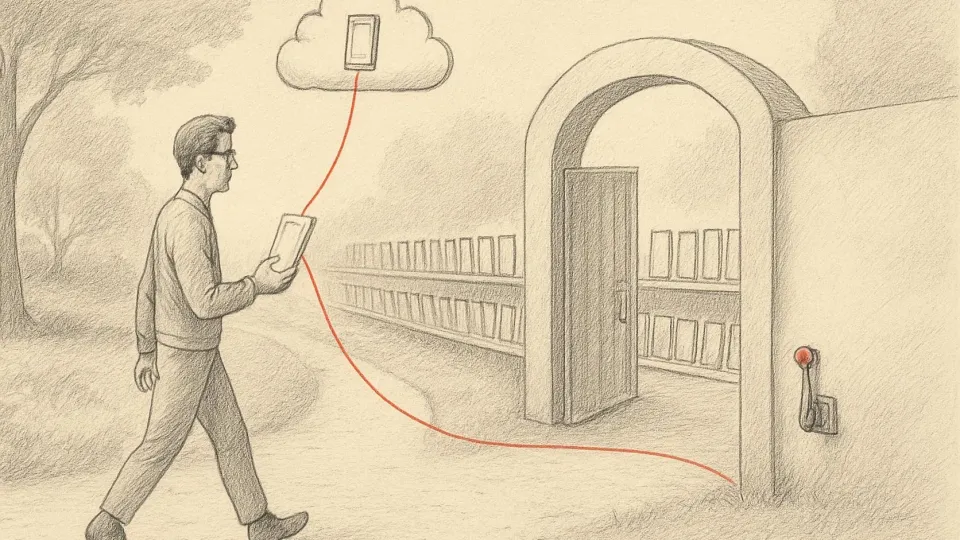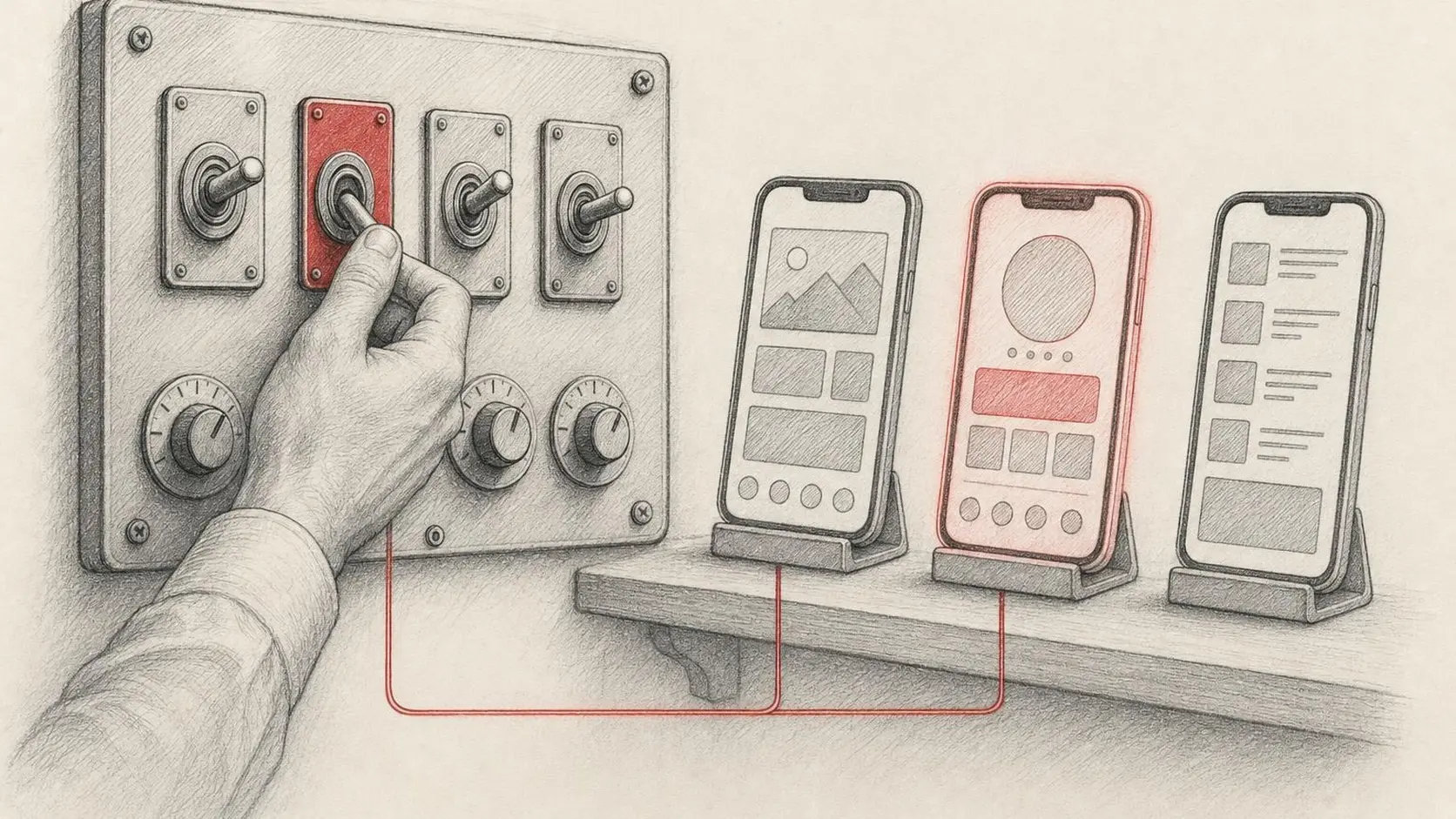
On the web you can fix a bug and deploy in ten minutes. In a mobile app, between "found the problem" and "fixed for every user" lie a build, App Store review, a staged rollout and weeks of waiting for people to update. Some users don't update for months. So anything you can change without a new binary, you should be able to change without one.
Feature flags and Remote Config give you exactly that: turning features on and off, changing copy and parameters, running gradual launches and killing something broken in an emergency. Below is how we at Mosmox design these systems, which tools we choose, what the store rules allow, and how to keep flags from turning into tech debt.
Four kinds of flags, and why they shouldn't be mixed
A useful classification comes from Pete Hodgson's article Feature Toggles on Martin Fowler's site. The types differ in lifespan and in who controls them:
| Type | Purpose | Lifespan | Owned by |
|---|---|---|---|
| Release toggle | Hide unfinished work, gradually expose finished work | Weeks; removed after 100% launch | Engineering, product |
| Experiment toggle | A/B test: different variants for different groups | Length of the experiment | Product, analytics |
| Ops toggle / kill switch | Switch off a feature or integration under load or during an outage | Long, sometimes permanent | Engineering, support |
| Permission toggle | Access for paying users, beta testers, staff | Permanent | Product, business logic |
The mistake we see most is using one mechanism for everything. Access to a paid feature decided by Remote Config on the client is trivial to bypass: any flag stored on the device can be tampered with. Entitlements must be checked on the server; a client-side flag should only control presentation.
Firebase Remote Config: capabilities and limits
Firebase Remote Config is the most common free option on mobile. What to know before adopting it:
- In-app defaults. The app must ship a default for every parameter. A first launch with no network has to work correctly.
- Fetch interval. The default minimum fetch interval is 12 hours; you lower it during development, while overly frequent fetches in production hit throttling.
- Real-time updates. A real-time Remote Config listener receives changes right after they're published — useful for a kill switch when waiting 12 hours is unacceptable.
- Conditions. Targeting by app version, platform, country, language, Analytics audiences and a random percentage of users.
- Limits. Up to 2,000 parameters and 500 conditions per template. Plenty for most projects, but a signal not to turn Remote Config into a database.
- Version history and rollback. Every publish creates a template version you can revert to in one click.
Activation strategy
The key decision is when to apply fetched values. Change the UI mid-session and users see the screen jump. We usually fetch in the background and activate on the next launch; the exception is a kill switch, which applies immediately.
When a dedicated service is worth it
| Tool | Strengths | When to choose it |
|---|---|---|
| Firebase Remote Config | Free; integrates with Analytics, A/B Testing and Crashlytics | Most mobile projects on Firebase |
| LaunchDarkly, Statsig | Rich targeting, change audit, roles, experiments, backend and web support | Multiple teams, audit requirements, flags across the whole stack |
| Unleash, Flagsmith, GrowthBook | Open source, self-hosting available | Data residency requirements, infrastructure control |
| Your own config endpoint | Full control, zero third-party SDKs | Simple needs, strict security requirements — but you'll build targeting and history yourself |
Our approach: whatever the tool, app code reads flags through our own wrapper. Switching vendors then takes days rather than months, and flags are easy to override in tests.
What the App Store rules allow
Flags are not a way around review. The App Review Guidelines forbid hidden, dormant or undocumented features in section 2.3.1, and section 2.5.2 forbids downloading code that changes the app's functionality. In practice:
- Changing copy, colours, block order, prices within existing products, or algorithm parameters is normal practice.
- Gradually exposing a feature that is already in the binary and documented is fine. If it's switched off at review time, describe it in the reviewer notes and give a way to see it.
- Switching on, after review, functionality hidden from Apple — especially anything that changes what the app is or circumvents payment rules — is a direct route to removal from the store.
Launching a feature behind a flag, step by step
- Code behind the flag. The feature is merged into the main branch switched off. This avoids long-lived branches and merge conflicts.
- Internal testing. The flag is enabled for staff and testers via an ID- or audience-based condition.
- Binary release. The version containing the feature passes review and rolls out; the feature is still off, or available to the reviewer as documented.
- Gradual enablement. 1% → 5% → 20% → 50% → 100% of users on the new version. At each step we watch crashes, API errors and business metrics for 24–72 hours.
- Stop criteria. Agreed upfront: if crash-free users with the feature enabled fall below the control group, or backend errors rise, the flag goes off without debate.
- Clean-up. After two to four stable weeks at 100%, the flag and the old code path are removed in the next release.
Firebase offers Remote Config rollouts, which show Crashlytics stability separately for the group with the feature enabled. That makes step 4 much easier.
Kill switches and forced updates
We add two flags to every project before the first release, because by the time you need them it's too late to add them:
- A kill switch for risky integrations — a payment provider, a third-party SDK, a new endpoint. If the integration breaks, you can disable it and show a clear fallback instead of a crash.
- A minimum supported version. A parameter compared with the app version: a soft update prompt, or a blocking screen for versions with a critical vulnerability or an incompatible API.
Both mechanisms have to work even when the rest of the app is broken, so we cover them with dedicated tests.
Common mistakes and flag debt
- Flags nobody removes. A year later the code has 80 conditions, half of them always on, and nobody remembers why. Every release toggle needs an owner and a removal date.
- Combinatorial explosion. Ten independent flags make 1,024 possible configurations. Test the main combinations and avoid dependencies between flags.
- No defaults. Offline, the app gets empty values and renders a broken screen.
- Entitlements on the client. A paid feature "protected" only by a Remote Config flag.
- Uncontrolled changes. Someone edits a value in the console on a Friday evening with no review. Production parameters need roles, history and a four-eyes rule.
- No idea what the user saw. Flag state isn't passed to analytics or crash monitoring, so you can't tell which configuration a problem occurred in.
Adoption checklist
- A tool is chosen, and flags are accessed through your own wrapper.
- Every parameter has an in-app default.
- An activation strategy is defined: next launch for UI, immediate for kill switches.
- Kill switches for critical integrations and a minimum-version parameter exist from the first release.
- Entitlements are checked on the server; flags only control presentation.
- Key flag states are sent to analytics and to crash monitoring as custom keys.
- Every release toggle has an owner and removal date; flags are reviewed quarterly.
- Production configuration changes are reviewed by a second person.
- Features switched off at review time are described in the App Review notes.
Sources: Pete Hodgson, Feature Toggles (martinfowler.com); Firebase Remote Config; Remote Config parameters and conditions; Real-time Remote Config; Remote Config rollouts; App Store Review Guidelines.