OTA Updates in Expo: Hotfixes from Your Phone and the Line You Should Not Cross
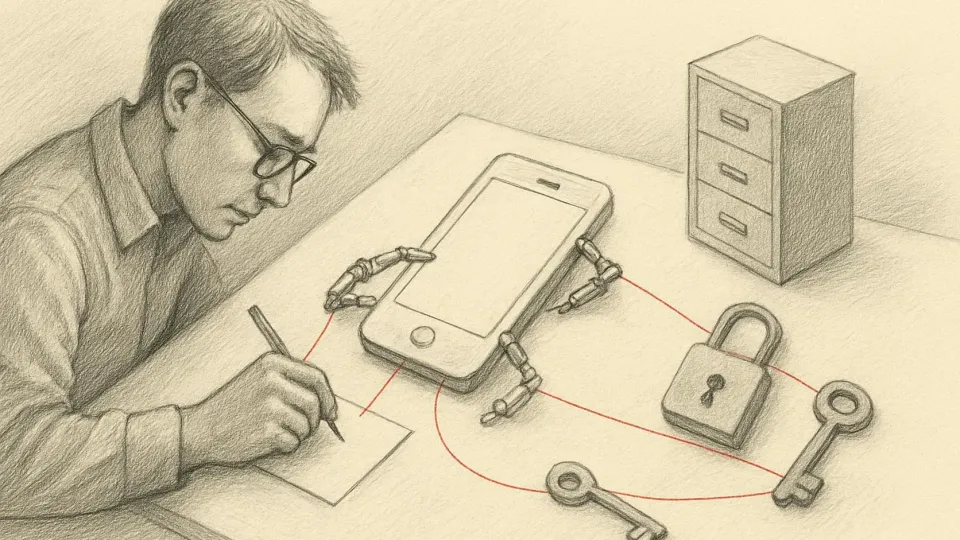
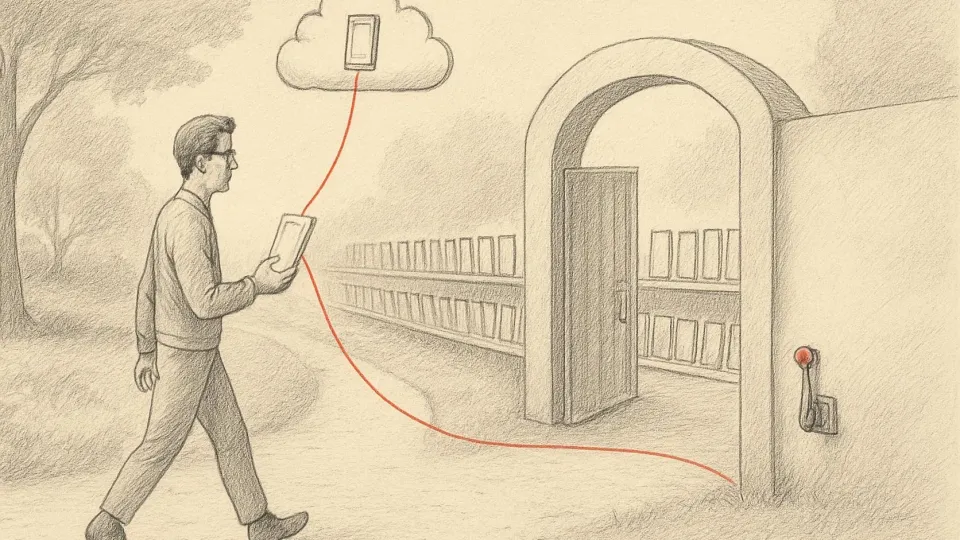
On November 26, 2026 Expo showed how to fix a bug and ship it to production with nothing but a phone. A developer describes the problem in a chat with an AI assistant, checks the fix on a cloud iPhone and sends it to users as an over-the-air (OTA) update, with no new build and no App Review. It sounds ideal for hotfixes. But OTA has hard technical limits, and the app stores have their own rules. Here is how the flow is built and where a quick hotfix ends.
The flow comes from the Expo blog, and the commands come from the EAS Update documentation.
How it worked in Expo's demo
The demo app is OpenMulticam, a camera app: two buttons in the top bar looked clipped when pressed and dragged. The author noticed it on a walk. Then:
- In the ChatGPT mobile app he asked it to fix the buttons and verify the result in Expo Simulators. The chat app reaches the project through the Expo MCP connector, which exists for ChatGPT, Claude and Grok.
- A few minutes later a pull request appeared with the style fix, a regression test and recordings of the same gesture on a cloud iPhone, before and after the fix.
- The author reviewed the PR and merged it himself.
- A first workflow published the update to a
verifychannel, and the author checked it again on a cloud iPhone. - Only then, on a separate request, a second workflow published the same update to the
productionchannel that the App Store build listens to.
The Expo connector does not push code or open PRs itself. That is done by the chat app's own GitHub integration, such as Codex in ChatGPT, or by a fine-grained GitHub token scoped to that one repository.
Two workflows instead of one button
The key element is two separate manual workflows in .eas/workflows/. Both are of type update and only run on demand (workflow_dispatch):
verify-update.ymlpublishes the update to theverifychannel, which a simulator build listens to;publish-production.ymlpublishes the same update to theproductionchannel.
Both builds in eas.json share one runtime version, so an update verified on verify is guaranteed to be compatible with the production build. Another detail from Expo's setup is the agent rules in AGENTS.md: make the fix on a branch, open a PR, wait for a human to merge, and publish to production only on an explicit request. For a team these rules matter more than the phone: the agent proposes, the human decides.
On pricing: Expo Update is available on every plan, including Free, while Expo Simulators requires a paid plan.
Limit one: what OTA can change at all
An OTA update changes only the JavaScript bundle and assets. Expo says so directly: changes to native dependencies, permissions or native configuration still require a new build and App Store review. According to the EAS Update docs:
- you can: fix JS bugs, change copy and translations, styling and screen layouts;
- you cannot: add or upgrade a native module, request a new permission (camera, location and so on), or upgrade the Expo SDK.
Compatibility is guaranteed by runtimeVersion. If an update was built against different native code, the app may crash and expo-updates will roll back to the previous working version. So choose the policy deliberately:
"policy": "appVersion"changes the runtime version together with the app version. It is simple, but if you change native code and forget to bump the version, you get a mismatch;"policy": "fingerprint"changes the runtime version whenever anything that may affect the native runtime changes. For teams that update dependencies often, it is the safer option.
Limit two: store rules
App Store. Guideline 2.5.2 requires an app to be self-contained in its bundle and not to download or execute code that introduces or changes its features or functionality. The Review Guidelines have no rule specifically about OTA, and Expo does not promise that every update is fine. The EAS Update docs say you need to follow the platforms' rules, and that changes to your app's behavior usually need to be reviewed. The practical takeaway: OTA is a tool for fixes and small UI changes, not a way to ship a new feature around App Review.
Google Play. The Device and Network Abuse policy forbids an app from updating itself outside Google Play's update mechanism and from downloading executable code (dex, JAR, .so) from other sources. There is an exception for code that runs in a virtual machine or interpreter with indirect access to Android APIs, such as JavaScript. At the same time the policy says that code loaded at run time must not enable violations of other Google Play policies.
For a team this comes down to a simple rule: if a change deserves a line in "What's New", it should go through a new build and review.
How to keep a hotfix from becoming an incident
Publishing to production in minutes is both the benefit and the risk: a mistake also reaches every user in minutes. EAS Update has tools to contain that risk:
- Gradual rollout.
eas update --rollout-percentage=10serves the update to 10% of users only. You change the percentage witheas update:edit, andeas update:revert-update-rolloutcancels the rollout and restores the previous update. Only one active rollout is allowed per branch, platform and runtime version. - Rollback.
eas update:rollbackreturns users to a previously published update or to the update embedded in the build. The latter helps when every OTA version is broken. - Monitoring. Expo recommends watching the error rate on the dashboard during a rollout and stopping it if errors rise.
The demo in Expo's blog publishes straight to 100% and does not mention rollback. For an app with a real audience we recommend adding a gradual rollout between verify and production.
OTA hotfix checklist
- The change touches only JS or assets: no new native modules, permissions or SDK upgrades.
- The change fixes or refines existing behavior rather than adding a new feature.
runtimeVersionuses thefingerprintpolicy or another one the team understands.- The fix went through a PR and human review, even if an agent wrote the code.
- The update was first checked on a separate channel with the same runtime version.
- In production: 5–10% of users first, then error monitoring, then 100%.
- The team knows how to roll back:
eas update:rollbackor a return to the embedded update. - The agent may publish to production only on a direct human command.
Conclusion
Expo's demo shows that the whole hotfix cycle, from bug report to production, can be done from a phone in half an hour. The interesting part is not the phone but the structure: a separate verification channel, a shared runtime version, a PR with a test and a screen recording, and a human with the final say. Copy that structure into your own process, add a gradual rollout and a rollback plan, and OTA becomes a reliable way to fix bugs quickly. Just do not use it to ship new features around App Review.