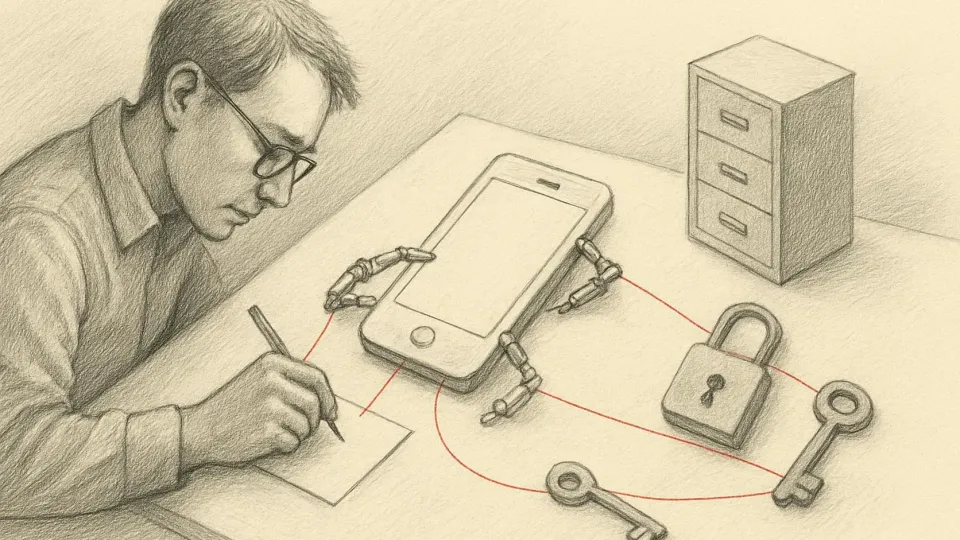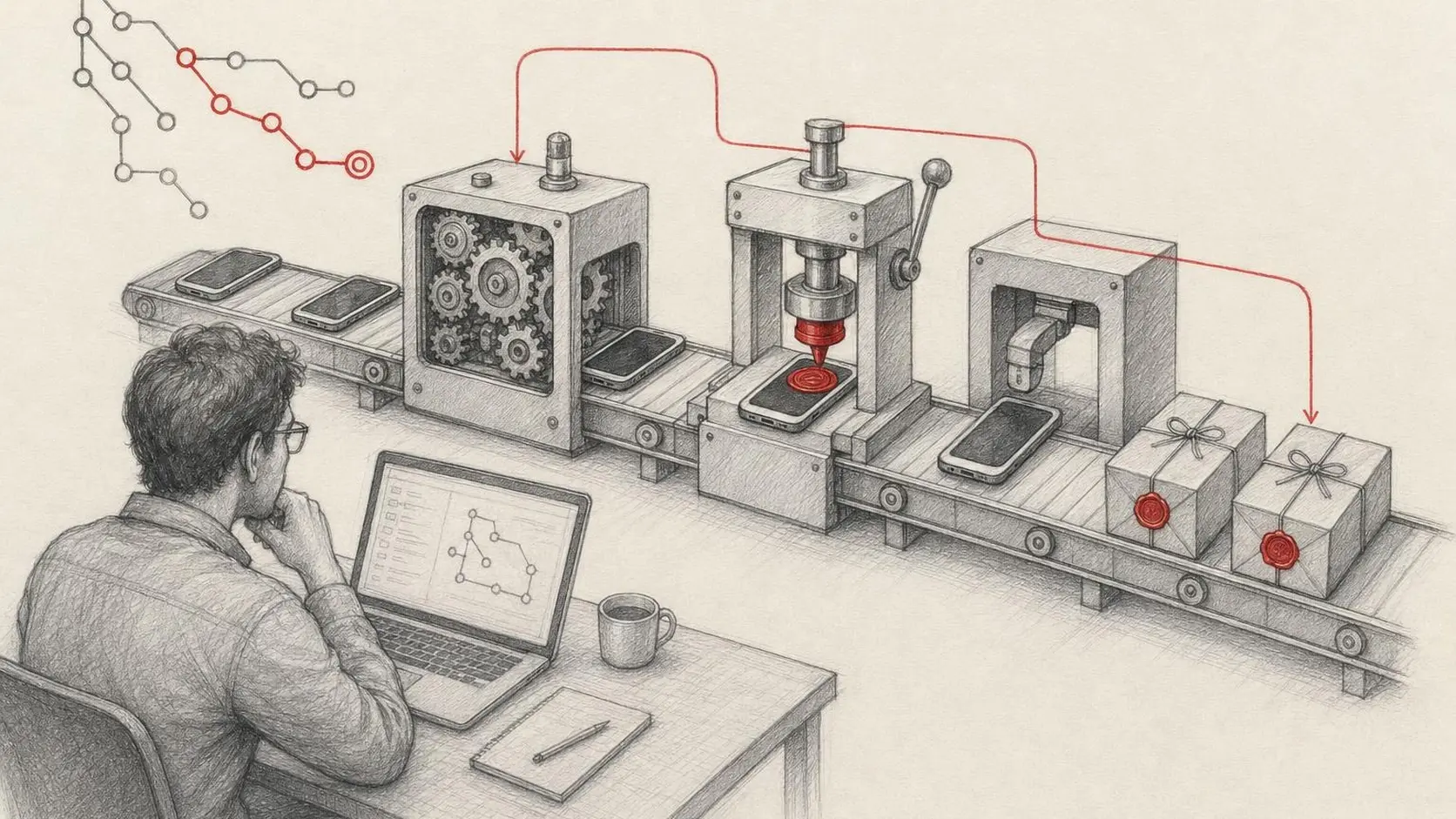
A manual mobile release usually goes like this: a developer bumps the build number, opens Xcode or Android Studio, builds an archive, tries to remember where the right certificate lives, uploads to TestFlight and Play Console, types release notes — twice a week. It takes 1–3 hours, and every step is a chance to get it wrong: the wrong keystore, a forgotten build number, a debug configuration shipped to production.
CI/CD takes the human out of that chain. Below is how we at Mosmox build pipelines for iOS and Android with Fastlane and GitHub Actions: pipeline structure, code signing, secrets management, costs, and the traps that break automation at the worst possible moment.
What a mobile CI/CD pipeline actually needs to do
A mobile pipeline differs from a web one in three ways: every build has to be cryptographically signed, iOS only builds on macOS, and "deploying" goes through store review, which you cannot roll back instantly. So we split the pipeline into three tiers:
- CI on every pull request: linting, unit tests, a debug build. Target: an answer within 10–15 minutes.
- Internal builds: after a merge to the main branch, a signed build goes to TestFlight (internal), Play Console internal testing or Firebase App Distribution. Testers get new versions without pinging developers.
- Release pipeline: triggered by a tag — production build, upload to App Store Connect and Google Play, metadata, release notes, start of a staged rollout.
Fastlane: why bother when you have scripts
Fastlane is an open-source tool that wraps xcodebuild, Gradle, the App Store Connect API and the Google Play Developer API into declarative "lanes". The key actions:
| Action | Platform | What it does |
|---|---|---|
| match | iOS | Stores certificates and profiles in an encrypted repo or cloud bucket and syncs them across developers and CI |
| gym (build_app) | iOS | Builds and exports a signed IPA |
| pilot (upload_to_testflight) | iOS | Uploads a build to TestFlight and distributes it to testers |
| deliver (upload_to_app_store) | iOS | Uploads metadata and screenshots and submits for review |
| gradle | Android | Builds an AAB/APK for the chosen flavor |
| supply (upload_to_play_store) | Android | Uploads the AAB to a track, with metadata and rollout fraction |
Fastlane's main value isn't doing anything the CLI can't. It's that a lane behaves the same on a developer's laptop and on CI. When the pipeline fails, you reproduce it locally with one command instead of picking apart 400 lines of YAML.
iOS signing: the number one cause of broken builds
iOS needs a development or distribution certificate plus a provisioning profile tied to the bundle ID, the certificate and (for development) a list of devices. Managing these files by hand in a team of three or more sooner or later ends with a revoked certificate and everyone's builds broken.
How we set it up
- Create a dedicated private repo (or bucket) for match and an encryption passphrase kept only in the secrets manager.
- One designated person generates certificates with match for the development and appstore types.
- On CI, match runs in readonly mode: it only downloads existing certificates and never creates new ones. That protects you from CI accidentally revoking a certificate.
- For App Store Connect access we use an API key (.p8, Key ID, Issuer ID) instead of an Apple ID and password — no two-factor prompts, no expiring sessions.
- CI creates a temporary keychain for the build and deletes it afterwards.
An Apple distribution certificate is valid for one year. Set a reminder a month before expiry — five minutes of renewal beats an emergency release on a Friday.
Android signing: the upload key, not the app key
Play App Signing is mandatory for new apps on Google Play: Google holds the app signing key and you sign builds only with an upload key. This matters: if the upload key is lost or compromised, it can be reset through support, whereas losing the app key under the old scheme meant you could never update the app again.
- We base64-encode the keystore and store it in CI secrets along with passwords and alias; it never goes into the repository.
- For Play Console access we create a Google Cloud service account with minimal permissions (releases for the specific app only) and store its JSON key as a secret.
- The very first build of a new app is uploaded to Play Console manually — the API can't create an app from scratch.
- For new personal developer accounts, remember the closed testing requirement: 12 testers for 14 days before production access. No automation gets around it, so put those two weeks in the launch plan.
GitHub Actions: structuring the workflows
We keep three separate workflow files rather than one do-everything file:
- pr.yml — on every pull request: Android on a Linux runner (cheaper and faster), iOS tests on macOS only when iOS code or shared modules change (path filters).
- beta.yml — on push to the main branch: signed builds for internal testers.
- release.yml — on a tag such as v1.4.0: production build, store uploads, a GitHub Release with the changelog.
Build numbers without conflicts
The simplest approach is to derive the number from GITHUB_RUN_NUMBER, or from the latest TestFlight or Play Console build number plus one. A build number committed by hand guarantees merge conflicts and rejected uploads with "build number already used".
Caching
Caching Gradle, CocoaPods/SPM and DerivedData cuts build time several-fold. On our projects a typical cold iOS build takes 15–25 minutes; with a warm cache, 6–10. But the cache must be keyed on lock-file hashes, or sooner or later you get "works on CI, fails locally".
Costs and which option to choose
macOS runner minutes on GitHub Actions are billed at a much higher rate than Linux, so anything that doesn't need Xcode runs on Linux. The options compared:
| Option | Pros | Cons | Best for |
|---|---|---|---|
| GitHub Actions (hosted runners) | Code and CI in one place, huge action marketplace | Expensive macOS minutes, lag in new Xcode images | Most teams up to 10 developers |
| Xcode Cloud | Native Xcode and App Store Connect integration, 25 compute hours a month included with Apple Developer Program membership | Apple platforms only, less flexible | iOS-only teams |
| Codemagic, Bitrise | Ready templates for Flutter / React Native, fast Mac machines | Another vendor and invoice | Cross-platform projects, teams without DevOps |
| Your own Mac mini as a self-hosted runner | Lowest cost per minute, fast warm cache | Maintenance, Xcode upgrades, physical security | Teams with heavy build volume |
Setting up a baseline pipeline for both platforms typically takes us 3–6 working days, provided the project already has tests and tidy build configurations. It pays back within weeks: a team shipping weekly saves 6–12 developer hours a month on routine alone, not counting the mistakes that never happen.
Common mistakes
- Secrets in the repo. A keystore, .p8 key or production config sitting in git history. Deleting the file in a new commit doesn't help — the history remains.
- CI with admin rights. A service account with the Admin role in Play Console, or an App Store Connect API key with the Admin role. A role that can only upload builds is enough.
- One giant workflow. Any README edit triggers a 40-minute iOS build.
- Automatic 100% release. The pipeline ships to every user at once. The production lane should start a staged rollout to a small share of users; increasing it is a human decision made after looking at stability metrics.
- A stale Xcode. Apple regularly raises the minimum SDK required for App Store Connect uploads. If CI is pinned to an old image, the release hits an upload error exactly when it's urgent.
- No artifacts. Failing to keep dSYMs and R8 mapping files means production crash reports are unreadable.
A two-week rollout plan
- Days 1–2. Audit the current release process: write down every manual step and where the keys live. Move all secrets into a secrets manager.
- Days 3–4. Fastlane locally: test, beta and release lanes per platform; match for iOS, upload key and service account for Android.
- Days 5–6. PR pipeline in GitHub Actions with caching and path filters.
- Days 7–8. Beta pipeline: automatic internal builds, CI-generated build numbers, notifications in the team chat.
- Days 9–10. Tag-triggered release pipeline: store uploads, dSYM and mapping retention, staged rollout start.
- Afterwards. Document the process in the README and run the first release as a pair so the knowledge doesn't live in one head.
Readiness checklist: no secrets in the repository; match readonly on CI; App Store Connect API key instead of an Apple ID; Play App Signing enabled; least-privilege service accounts; build numbers generated automatically; dSYMs and mapping files retained; production starts with a staged rollout; reminders set for certificate expiry.
Sources: fastlane docs; fastlane match; GitHub Actions documentation; GitHub Actions billing; App Store Connect API; Xcode Cloud; Play App Signing; Google Play Developer API.