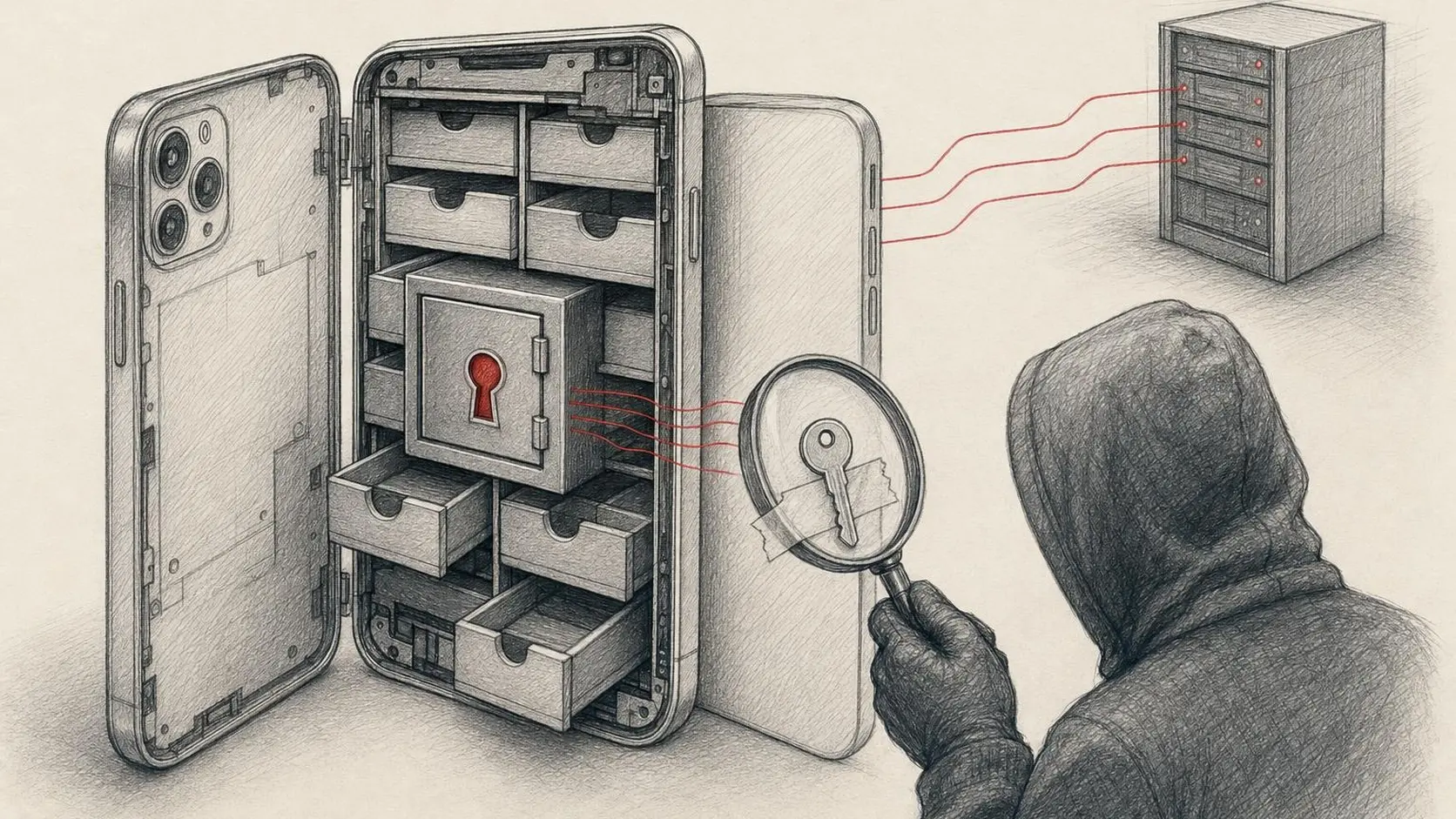
Every mobile build is a file you voluntarily hand out to millions of people. An IPA or APK can be unpacked, its strings extracted in a minute, and its traffic inspected through a proxy on your own device. So the core security rule is blunt: treat everything in the build as public. Obfuscation makes analysis harder, but it does not turn a key into a secret.
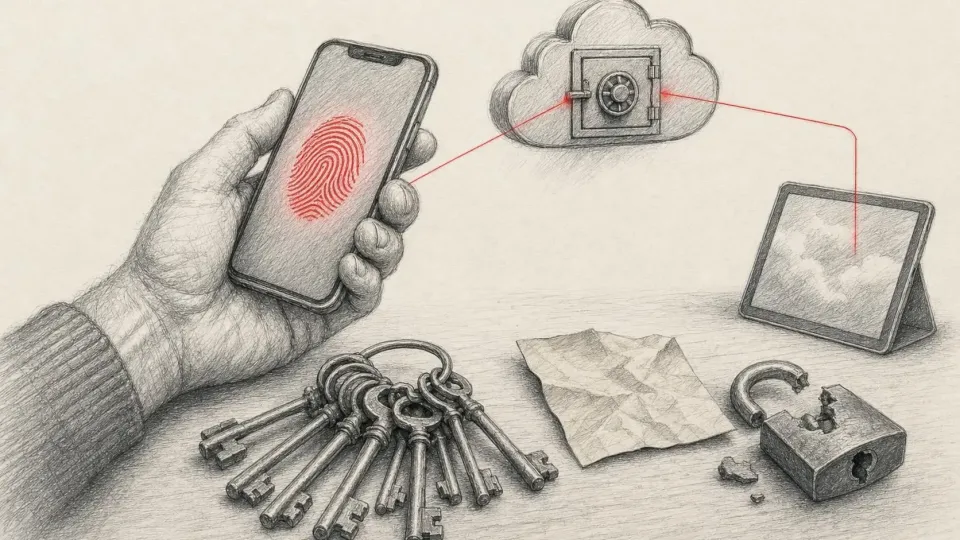
At the same time, the app needs somewhere to keep session tokens, local encryption keys and user credentials. That is what the system stores are for: Keychain on iOS and Android Keystore. This article covers what may and may not go into code, how to use the system stores correctly and how to design an architecture in which real secrets never reach the device at all.
Why "hiding the key in code" does not work
It is no accident that first place in the OWASP Mobile Top 10 (2024) goes to M1: Improper Credential Usage, which includes keys hardcoded into the app. Here are the usual ways secrets get "hidden" and why they fail:
| Hiding method | How it is bypassed | Time for an experienced analyst |
|---|---|---|
| String in code or Info.plist / strings.xml | Unpack the archive and search strings | Minutes |
| BuildConfig, .xcconfig, build variables | The same values end up in the binary | Minutes |
| Base64 or XOR | Decode once the routine is found | Minutes to hours |
| Native library (NDK, C) | Disassembler, or hooking the call on a rooted device | Hours |
| Fetching the key from a server at launch | Intercepting traffic or process memory | Hours |
The time estimates come from our practical penetration-testing experience, not a formal metric. The point is that each approach raises the cost of an attack without changing the model: a key the app uses is available to whoever controls the device.
What may and may not ship in the build
| Value type | In the build? | Condition or alternative |
|---|---|---|
| Firebase config (apiKey, projectId) | Yes | Identifiers, not secrets; access is enforced by Security Rules and App Check |
| Google Maps / Places SDK key | Yes, restricted | Restrict by package name + SHA-1 / bundle ID and by API list |
| Public key for pinning or signature checks | Yes | Public by definition |
| Payment provider publishable key | Yes | Only for client-side operations the provider intends |
| Payment provider secret key | No | Backend only |
| Cloud keys (AWS, GCP service account) | No | Backend, or temporary least-privilege credentials |
| LLM / AI API keys | No | Proxy through the backend with authentication and limits |
| OAuth client secret | No | PKCE for a public client, backend exchange if needed |
| JWT signing key, admin tokens, DB passwords | No, never | Server only, in a secrets manager |
Firebase states plainly in its documentation that Firebase API keys are not secrets and can be included in code, with protection provided by security rules. For Google Maps keys, Google recommends application and API restrictions and separate keys per platform.
A word on AI keys. An LLM API key inside an app is a direct route to a bill of thousands of dollars: it will be extracted and used for someone else's requests. Always proxy such calls through your backend, tied to a user, with limits and monitoring.
An architecture with no secrets on the device
The right question is not "how do I hide the key" but "how do I make the client not need it".
- The backend as intermediary. The app authenticates the user, gets their token and calls your API. Your server calls third-party services with its own secrets.
- Short-lived credentials. If the client needs direct access (say, uploading a file to object storage), the backend issues a signed URL or a token valid for minutes with minimal permissions.
- App integrity checks. App Attest on iOS and the Play Integrity API on Android let the server confirm a request comes from a genuine, unmodified copy of the app on a real device. That is not a secret in the build but a cryptographic attestation from the platform.
- Limits and monitoring. Even "public" keys deserve quotas and alerts on unusual usage.
iOS: Keychain and the Secure Enclave
Keychain Services is the system's encrypted store for small secrets: tokens, passwords, keys. Data is encrypted with hardware-protected keys and accessible only to your app (or an app group via Keychain Sharing).
The accessibility class is the key setting
The kSecAttrAccessible attribute determines when an item can be read (Apple documentation):
- WhenUnlocked: only while the device is unlocked. Right for most data used on screen.
- AfterFirstUnlock: after the first unlock since reboot. Needed if the token is used in the background (background refresh, push handling).
- WhenPasscodeSetThisDeviceOnly: only if a passcode is set; the item is deleted if the passcode is removed.
- The ThisDeviceOnly suffix keeps the item out of backups restored to other devices. For session tokens this is usually the right choice.
For sensitive actions, add access control with biometrics (SecAccessControl with .biometryCurrentSet): the item then cannot be read without Face ID or Touch ID, and access is invalidated when biometric enrolment changes.
For keys that must never leave the device, use the Secure Enclave: the private key is generated inside the coprocessor and cannot be exported; the app only asks it to sign or decrypt. The limitation: the Secure Enclave supports P-256 elliptic curve keys.
An often forgotten nuance: in practice Keychain items can survive app deletion. If users are unexpectedly signed in after reinstalling, clear the Keychain on first launch, keyed off a flag in UserDefaults.
Android: Keystore and data encryption
The Android Keystore stores cryptographic keys so their material never enters the app process: encryption and signing are performed by the system, on most modern devices in a hardware environment (TEE), and on devices with StrongBox (Android 9+) in a separate secure chip.
A typical scheme for tokens
- Create an AES key in the Keystore via KeyGenParameterSpec for encryption and decryption, in GCM mode.
- Encrypt the token with that key and store the ciphertext in DataStore or a file.
- For sensitive operations enable setUserAuthenticationRequired so the key works only after biometrics or a PIN (via BiometricPrompt with a CryptoObject).
- Where available, request StrongBox (setIsStrongBoxBacked) and provide a fallback when it is not.
An important change: Google deprecated the Jetpack Security library (EncryptedSharedPreferences, MasterKey) in 2025 in favour of platform APIs and direct use of the Keystore. Do not rely on it in new projects, and plan a migration in existing ones.
Backups
Keystore keys are not backed up, but data encrypted with them can be. After a restore on a new device, the app gets ciphertext without a key. Exclude such files via dataExtractionRules / fullBackupContent (Auto Backup) and handle decryption failures gracefully: clear the data and ask the user to sign in again.
Secrets in the repository and CI
Many leaks come not from the build but from git: a key committed "temporarily" stays in history forever.
- Enable secret scanning: GitHub secret scanning with push protection, or gitleaks in pre-commit hooks and CI.
- Keep environment configuration out of the repository; in CI, use encrypted variables or a secrets manager.
- Store signing keys (the Android keystore, iOS certificates) separately, with restricted access and a backup. A lost Android upload key can be recovered through Play App Signing, but it is a support procedure.
- If a secret reaches the repository, rotate it. Rewriting history does not help if someone already cloned it.
Common mistakes
- Tokens in UserDefaults or plain SharedPreferences.
- A payment or AI provider secret key in app code "because it is faster for the MVP".
- Logging the Authorization header or token-bearing responses in release builds; tokens in crash reports and analytics.
- The deprecated "Always" Keychain accessibility class, or AfterFirstUnlock with no background need.
- No handling for a Keystore key becoming invalid (screen lock changed, new biometrics enrolled).
- Google Maps keys without application restrictions.
- Relying on obfuscation to protect secrets.
Secrets audit checklist
- Unpack your own release build and search for strings such as key, secret, token, sk_, AKIA.
- Build a register of every key in the build: purpose, whether it is a secret, which restrictions apply.
- Move every real secret to the backend; restrict client keys by application and quota.
- Tokens only in the Keychain (ThisDeviceOnly) or encrypted with a Keystore key.
- Add App Attest / Play Integrity for critical endpoints.
- Check logs, crash reports and analytics for tokens and personal data.
- Set up secret scanning in the repository and CI; rotate anything that ever landed there.
- Compare the implementation against the MASVS-STORAGE and MASVS-CRYPTO groups of OWASP MASVS.
Which tokens the app receives and how to refresh them is covered in our article on OAuth 2.0 + PKCE.
Sources: OWASP Mobile Top 10 (2024); OWASP MASVS; Apple: Keychain Services; Apple: Restricting keychain item accessibility; Apple: Protecting keys with the Secure Enclave; Android Keystore system; AndroidX Security release notes; Android Auto Backup; Firebase: API keys; Google Maps Platform: API security best practices; Apple: App Attest; Play Integrity API; GitHub: Secret scanning.