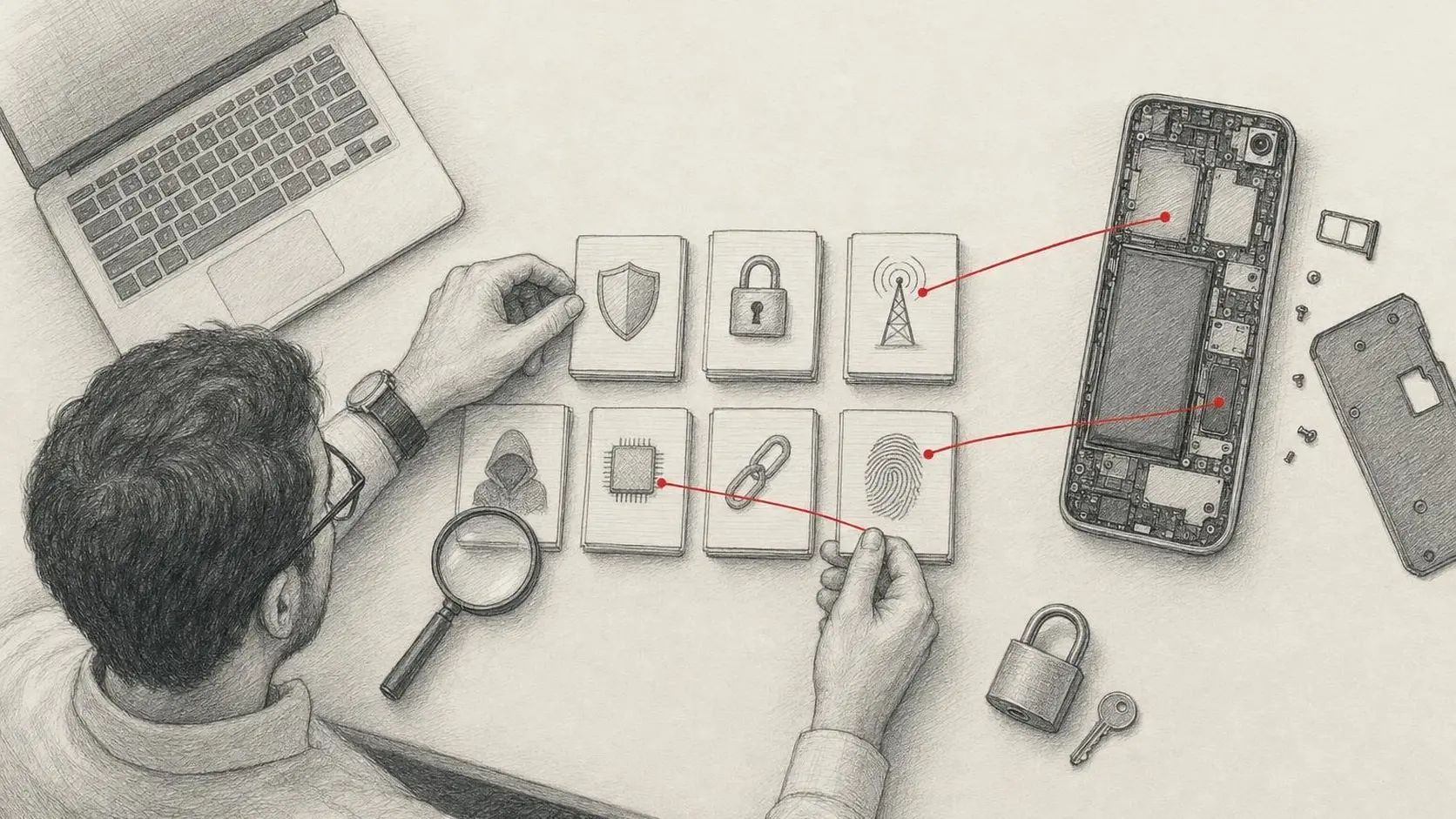
When a client asks "is our app secure?", the honest answer is almost always "secure against what?". That is why at Mosmox we never start an audit with a random grab-bag of checks. We anchor it in OWASP MASVS, the industry standard for mobile app security requirements. It gives developers, testers, lawyers and the security teams of banks or insurers a shared vocabulary — and those teams increasingly make compliance a contractual condition.
This article covers how MASVS is structured since version 2, which control groups we actually check on every project, how to choose the right level of rigour, how much time to budget, and the mistakes we keep finding. We have covered general security mistakes in an earlier journal post; here the focus is a methodical, standard-based review.
MASVS, MASTG and MASWE: what each one is for
The OWASP Mobile Application Security (MAS) project consists of three linked documents:
- MASVS (Mobile Application Security Verification Standard) — high-level requirements: what must be ensured, e.g. "the app securely stores sensitive data".
- MASTG (Mobile Application Security Testing Guide) — the hands-on manual: how to verify it on Android and iOS, with tools, commands and code samples.
- MASWE (Mobile Application Security Weakness Enumeration) — a catalogue of concrete weaknesses that links abstract requirements to tests.
Version 2.0 (2023) simplified the standard dramatically: dozens of granular items were removed, and the old L1/L2/R levels are no longer part of the standard itself. MASVS now describes requirements, while testing profiles (L1, L2, R, P) live in MASTG. For a business, this means that a "MASVS L2" clause in an old tender document needs translating into current terminology — otherwise vendor and client will mean different things.
Eight control groups and what sits behind them
Current MASVS has eight groups. Here is how we explain them to the team and what we check first.
| Group | Covers | What we check first |
|---|---|---|
| MASVS-STORAGE | On-device data storage | Tokens only in Keychain / Android Keystore-backed storage; no personal data in logs, WebView caches or backups |
| MASVS-CRYPTO | Cryptography | No home-grown algorithms, no hardcoded keys, modern modes (AES-GCM), proper random number generation |
| MASVS-AUTH | Authentication and authorization | Permissions enforced on the server, not the client; biometrics bound to a cryptographic key; proper session termination |
| MASVS-NETWORK | Network communication | TLS only, no ATS or cleartext exceptions, a deliberate decision about certificate pinning |
| MASVS-PLATFORM | Interaction with the OS and other apps | Exported activities, deep links, WebViews with JavaScript bridges, IPC, screenshot protection on sensitive screens |
| MASVS-CODE | Code quality and dependencies | Input validation, up-to-date SDKs, minimum OS version, a forced-update mechanism |
| MASVS-RESILIENCE | Resistance to reverse engineering | Obfuscation, root/jailbreak and tamper detection, integrity checks via Play Integrity / App Attest |
| MASVS-PRIVACY | Privacy | Data minimisation, transparency, user control; consistency with the Privacy Manifest and Data safety form |
The PRIVACY group arrived in version 2.1 (2024), which makes sense: Apple's Privacy Manifest requirements and Google Play's Data safety section turned privacy into something verifiable rather than aspirational.
Choosing a profile: L1, L2, R or P
The most expensive mistake is applying banking-grade requirements to a habit tracker, or the reverse. MASTG profiles let you scale the effort:
- L1 — baseline security for any app. This is hygiene we treat as mandatory even for an MVP.
- L2 — defence in depth for apps handling sensitive data: finance, health, government services, corporate access.
- R — resilience against reverse engineering and client tampering. Needed when the value lives in the client itself: games with in-app economies, DRM content, anti-bot protection.
- P — privacy; relevant to anyone processing personal data.
Our rule of thumb: L1 + P always; L2 if one user's data leaking means direct financial or medical harm to them; R if an attacker can profit from a modified client. R without L2 rarely makes sense — obfuscation will not save you if the server trusts the client.
Step by step: how we run an audit
Step 1. A one-page threat model
Before any testing we write down which data is valuable (tokens, payment data, medical records), who the attacker is (someone holding an unlocked phone, a malicious app on the same device, a public Wi-Fi attacker, a competitor decompiling the APK) and what the consequences would be. Without this, the report becomes a list of "findings" nobody knows how to prioritise.
Step 2. Static analysis
We decompile the build (jadx for Android, IPA analysis for iOS) and look for API keys, staging URLs, disabled certificate validation and debug flags. In parallel we run automated scanners such as MobSF — they surface the obvious quickly but produce plenty of false positives, so every finding is verified by hand.
Step 3. Dynamic analysis
We install the app on a rooted or jailbroken device, intercept traffic through a proxy and instrument it with Frida. We check what sits in the sandbox after login and after logout, what lands in the system log, and whether internal screens open via a deep link without authentication.
Step 4. Testing the backend from the client's side
Most critical findings in mobile audits are actually server-side: the API returns extra fields, lets you modify someone else's resource by swapping an ID (IDOR), or doesn't rate-limit OTP attempts. MASVS explicitly requires authorization to happen on the server, so we consider a mobile audit without API testing incomplete.
Step 5. Report and retest
Every finding gets a MASVS group and MASTG test reference, a severity rating and a concrete recommendation. A retest after fixes is mandatory: in our experience roughly one in five "fixes" addresses the symptom rather than the cause.
How long it takes
The estimates below are guidelines from our own practice for a mid-complexity app (20–40 screens, one platform). For two platforms budget roughly 1.6–1.8×, since part of the work (API, threat model) is shared.
| Scope | Duration | When it fits |
|---|---|---|
| Team self-review against an L1 checklist | 1–2 days | Before every major release |
| External L1 + P audit | 3–5 days | Before public launch or a funding round |
| L2 audit including the API | 7–12 days | Fintech, healthtech, enterprise apps |
| L2 + R with protection-bypass testing | 10–20 days | Payment services, games with economies, DRM |
An automated scanner in CI costs next to nothing and catches regressions, but it does not replace a manual audit: it cannot see broken authorization logic, which is exactly what hurts most.
The mistakes we find most often
- Secrets in the client. Third-party API keys that unlock paid services or other people's data. Anything shipped in the build should be treated as public — obfuscated or not.
- Tokens in insecure storage. SharedPreferences or UserDefaults instead of Keychain/Keystore; refresh tokens that never expire.
- Logs with personal data. Request bodies with phone numbers, addresses or tokens left over from debugging, ending up in system logs or a third-party analytics tool.
- Trusting the client. Price, discount, user role or subscription status sent from the app and never validated server-side.
- Open Android components. An activity with exported="true" that opens an internal screen without checking the session.
- Unrestricted WebViews. JavaScript enabled, a native bridge and arbitrary URL loading — the classic path to running someone else's code inside your app's context.
- Box-ticking pinning. Certificate pinning with no rotation plan: one day the app stops working for every user. Pinning makes sense at L2, but only with a backup key and a way to update the configuration.
- No forced update. When a vulnerability is found, old versions live on for years. MASVS-CODE explicitly calls for a mechanism that makes users update.
Making MASVS part of the process, not a one-off audit
A one-off audit is a snapshot of a single day. To keep security from decaying, we build MASVS into the normal development cycle:
- Definition of Done. Tasks touching authentication, storage or networking get 3–5 relevant L1 items in the pull request checklist.
- CI automation. Dependency scanning for known vulnerabilities, secret detection in the repository and static analysis of every release build.
- Device attestation. For L2/R — the Play Integrity API on Android and App Attest on iOS, with the verdict checked on the server, not in the app.
- Cadence. A full audit once a year or after significant architectural changes (a new payment provider, a new sign-in method).
An L1 checklist to start with
- Tokens and keys are stored only in Keychain / Android Keystore.
- The release build has no debug logs containing personal data or tokens.
- Backups contain no sensitive data (allowBackup / backup rules configured on Android, file protection attributes on iOS).
- All traffic is TLS; no unjustified ATS exceptions or cleartext traffic.
- The build contains no secrets granting access to paid services or data.
- Authorization and business rules (prices, roles, subscriptions) are enforced on the server.
- Exported components and deep links cannot open protected screens without a session.
- WebViews don't load arbitrary URLs and expose no unnecessary JavaScript bridges.
- Dependencies are up to date with no known critical vulnerabilities.
- A forced-update mechanism exists for the minimum supported version.
- The Privacy Manifest and Data safety form match what the app actually collects.
If three or more of these items fail today, fix them before commissioning an in-depth audit: an external specialist will find the same things, just at a higher price.
Sources: OWASP MASVS; OWASP MASTG; OWASP MASWE; Android: Security guidelines; Apple Security documentation; Play Integrity API; Apple DeviceCheck / App Attest.