Black Friday and the Holidays: Preparing Your App and Backend for Peak Load
In 2026 Black Friday falls on 27 November and Cyber Monday on the 30th, followed without a break by Christmas and New Year sales. For e-commerce, delivery, ticketing and fintech apps these are the weeks when traffic can multiply within minutes and every minute of downtime costs real money. The worst part is that peak-time problems are rarely new: they existed all year, and the load simply exposed them.
Below is a practical plan for preparing the mobile client and the backend: what to measure, how to run load tests, which safeguards to build into the app and how to organise on-call on the day. If you are reading this a week before the peak, skip straight to "Short on time".
Why a mobile app breaks differently from a website
A website can be fixed with a five-minute deploy. A mobile app cannot: the fix must pass review, and users take days or weeks to update. According to Apple, on average 90% of submissions are reviewed in less than 24 hours, but "on average" does not mean "guaranteed on Friday morning". So anything you might need to change during the peak has to be server-controlled.
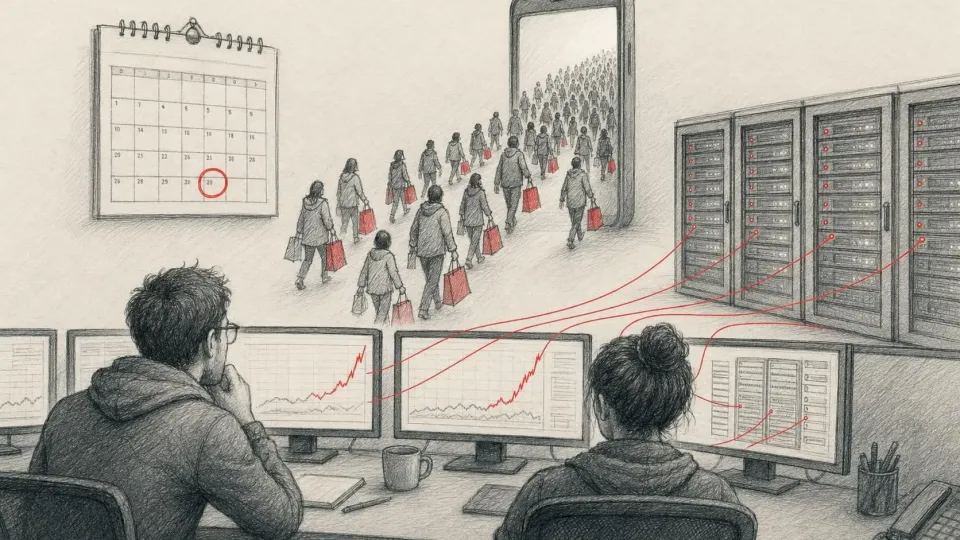
The second difference is that clients generate load themselves. Millions of devices opening the app after the same push, or thousands of clients aggressively retrying after an error, can take down a backend harder than real shoppers. The Google SRE Book describes this as cascading failure: overload in one service, amplified by retries, spreads across the whole system.
Preparation timeline
| When | What we do | Outcome |
|---|---|---|
| 6–8 weeks out | Peak forecast, bottleneck audit, load test plan | Target RPS and a risk list |
| 4–6 weeks out | Load tests, query optimisation, caching, autoscaling tuning | Confirmed capacity headroom |
| 3–4 weeks out | Last release with safeguards: kill switch, backoff, degradation | A server-controlled app |
| 2 weeks out | Code freeze for mobile releases and infrastructure changes | A stable version on most devices |
| 1 week out | Dress rehearsal, runbook, on-call rota, warn providers | The team knows what to do |
| The day | War room, dashboards, controlled push campaigns | Fast incident response |
Why ship the last feature release 3–4 weeks ahead? So the version with safeguards has time to spread. With a phased release on the App Store, an update rolls out via automatic updates over 7 days (1%, 2%, 5%, 10%, 20%, 50%, 100%); on Google Play a staged rollout is controlled manually. And some users never enable automatic updates.
Step 1. Forecast the load and set targets
- Use historical data. Last year's peak requests per second (RPS), hourly dynamics, the share of mobile traffic.
- Factor in audience growth and marketing. Planned pushes, e-mails and ads. A push to the whole base creates a wall of traffic within minutes.
- Add headroom. The practical guideline we use: test at 2–3× the forecast peak.
- Define SLOs for the critical path. For example, catalogue API p95 ≤ 300 ms, checkout 5xx error rate ≤ 0.5%.
The critical path is not the whole app. For a store it is launch, catalogue, product page, cart, payment and order status. Recommendations, reviews and wishlists can degrade without losing revenue. Remember that according to the Baymard Institute around 70% of carts are abandoned even on ordinary days; a slow checkout at peak only makes that worse.
Step 2. Load-test the backend
Tools such as k6, Gatling or Locust let you script realistic behaviour. The key is to test mobile client scenarios, not isolated endpoints.
| Test type | What it checks | What to watch |
|---|---|---|
| Load test | Stability at the forecast peak for 30–60 min | p95/p99 latency, error rate, database utilisation |
| Stress test | The breaking point and behaviour beyond it | Graceful degradation versus total failure |
| Spike test | A sudden jump, as after a mass push | Autoscaling speed, cold starts, connection queues |
| Soak test | Several hours under load | Memory leaks, exhausted pools, growing queues |
Typical bottlenecks we find
- The database. Unindexed queries, N+1 in lists, an exhausted connection pool. The database usually breaks first.
- The app's startup request. One heavy configuration endpoint called by every client at launch is a perfect candidate for a CDN and caching.
- Third-party services. Payment, SMS, search and recommendation providers have their own limits. Warn them about the peak and confirm quotas in advance.
- Autoscaling. New instances take minutes to start while a spike lasts seconds. Raise the minimum instance count for the peak period ahead of time.
Step 3. Safeguards in the mobile client
These must be in the app before code freeze; you cannot add them on the day.
Retries with exponential backoff and jitter
If the client retries immediately after an error, thousands of devices hit an already struggling server in sync. The right approach is exponential backoff (1 s, 2 s, 4 s…) with random jitter and a cap on attempts. The AWS Architecture Blog shows in detail why jitter matters. Retry only idempotent requests; for order creation use an idempotency key so that a retry does not create a duplicate.
Respect 429 and Retry-After
An overloaded server should return 429 Too Many Requests with a Retry-After header, and the client should honestly wait that long while showing a clear message rather than an endless spinner.
Remote config and a kill switch
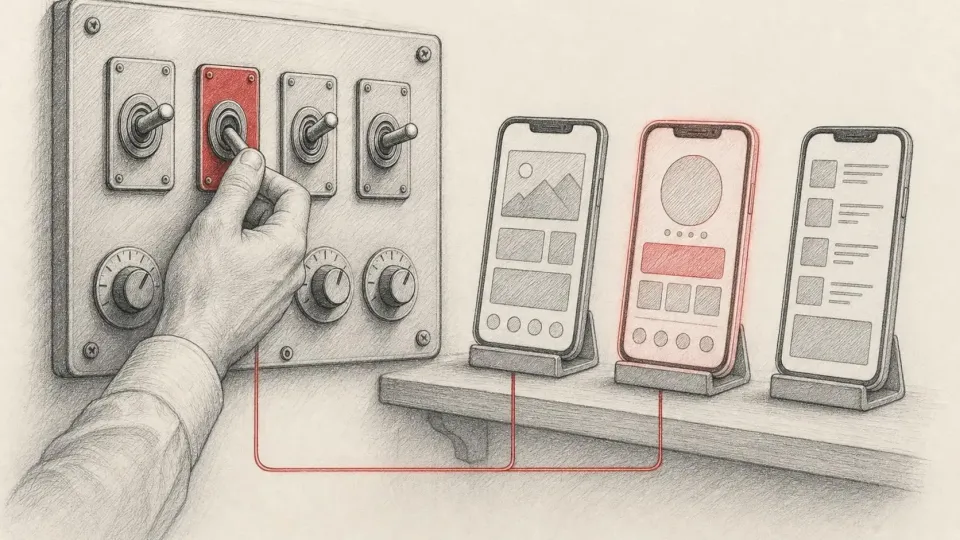
With Firebase Remote Config or your own config endpoint you should be able to switch off heavy features (recommendations, live chat), lengthen refresh intervals, put the app into a "catalogue and checkout only" mode and show a maintenance banner. Check that every flag actually works, not just that it exists in code.
Circuit breakers and graceful degradation
The circuit breaker pattern, on the backend and in the client, stops calling a service that keeps failing. The app shows cached data or a simplified screen instead of a full-screen error. Google SRE advises designing systems that, under overload, shed load in a controlled way instead of collapsing entirely.
Step 4. Push campaigns without self-sabotage
A push to a million users at midnight is the easiest way to DDoS your own backend. What helps:
- Send in waves by segment, 5–15 minutes apart, rather than to everyone at once.
- Make the push tap open cached or static content and load personal data afterwards.
- Mind provider limits: FCM throttles fan-out rate and messages per device.
- Agree the push schedule with the infrastructure team, not just marketing.
Step 5. The day: monitoring and response
| Metric | Where to look | Action signal (example threshold) |
|---|---|---|
| 5xx rate on the critical path | APM / API logs | > 1% for 5 min |
| Checkout p95 latency | APM | > 2× baseline |
| Crash-free sessions | Crashlytics / Sentry | Drop of 0.5 pp from normal |
| Payment conversion | Product analytics | Sharp drop while traffic grows |
| Database and pool utilisation | Infrastructure monitoring | > 80% sustained |
| Payment provider errors | Integration logs, status page | Any rise in declines |
Prepare a runbook: for every scenario (database down, payment provider failing, a 429 surge) define who decides, which flags to flip and what to tell users. Assign on-call engineers to each shift and a communication channel. "Turn off recommendations" should take a minute to decide, not half an hour of debate.
Common mistakes
- Shipping a new feature the day before the peak. Any change in this window is a risk that does not pay off.
- Testing only on staging with an empty database. A query that takes 5 ms over thousands of rows can take seconds over tens of millions.
- Aggressive client retries. Without backoff, your app becomes the attacker.
- Untested flags. A kill switch that does not work in older app versions is useless.
- Forgotten third-party limits. Your backend held, but the SMS provider or geocoder started refusing.
- No retrospective. Capture metrics and decisions after the peak, or next year starts from scratch.
Short on time: the minimum checklist
- Freeze releases and infrastructure changes until the peak is over.
- Raise minimum instance counts and check your cloud provider's limits.
- Cache startup config, catalogue and banners on a CDN.
- Warn your payment provider, SMS service and other integrations about the expected peak.
- Verify which remote flags actually work in the versions users have installed.
- Split push campaigns into waves.
- Set alerts on 5xx, latency, crash rate and conversion; assign on-call.
- Prepare user-facing messages in case of an outage.
Sources: Google SRE Book: Handling Overload; Google SRE Book: Addressing Cascading Failures; AWS: Exponential Backoff and Jitter; Martin Fowler: Circuit Breaker; RFC 6585: 429 Too Many Requests; App Store Connect: phased release; Google Play: staged rollouts; Apple: App Review; Firebase Remote Config; Firebase Cloud Messaging: throttling and quotas; Grafana k6; Baymard Institute: cart abandonment rate.