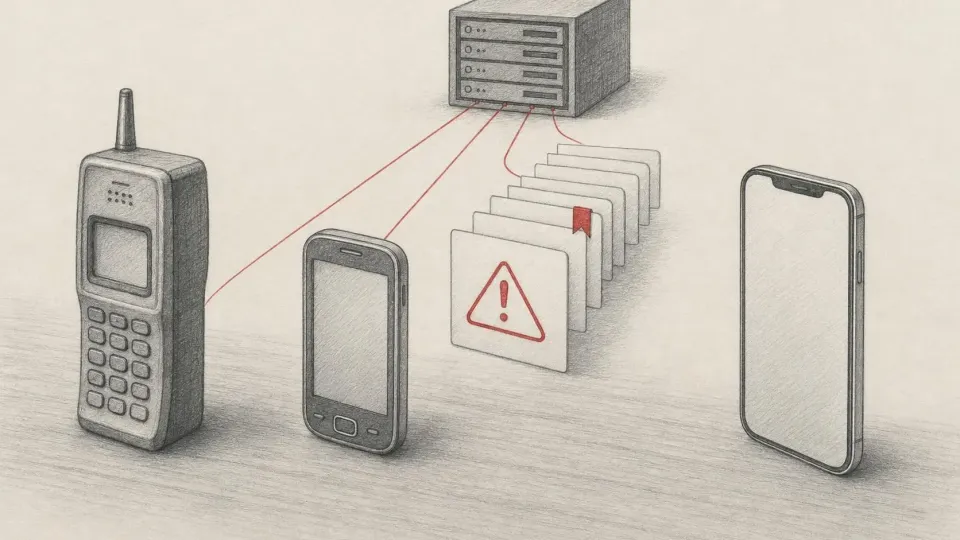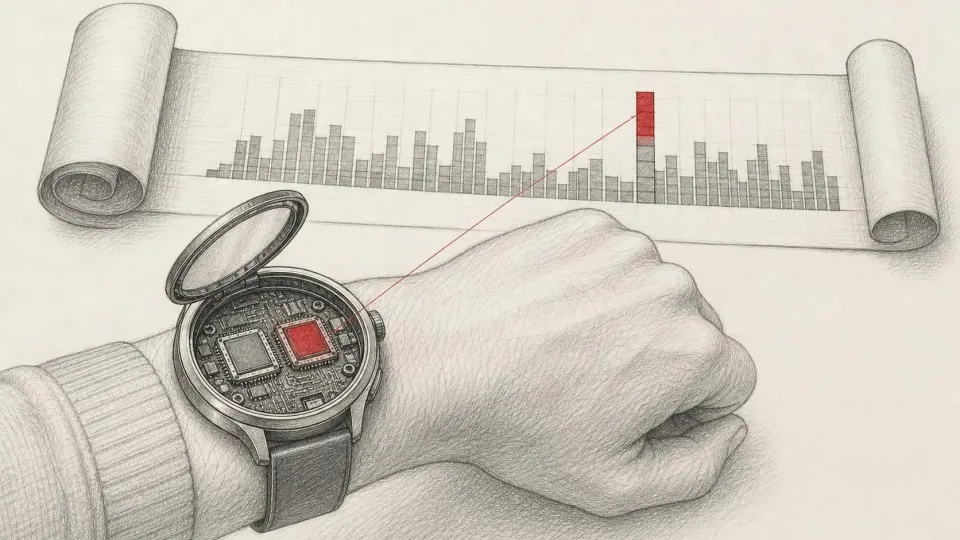
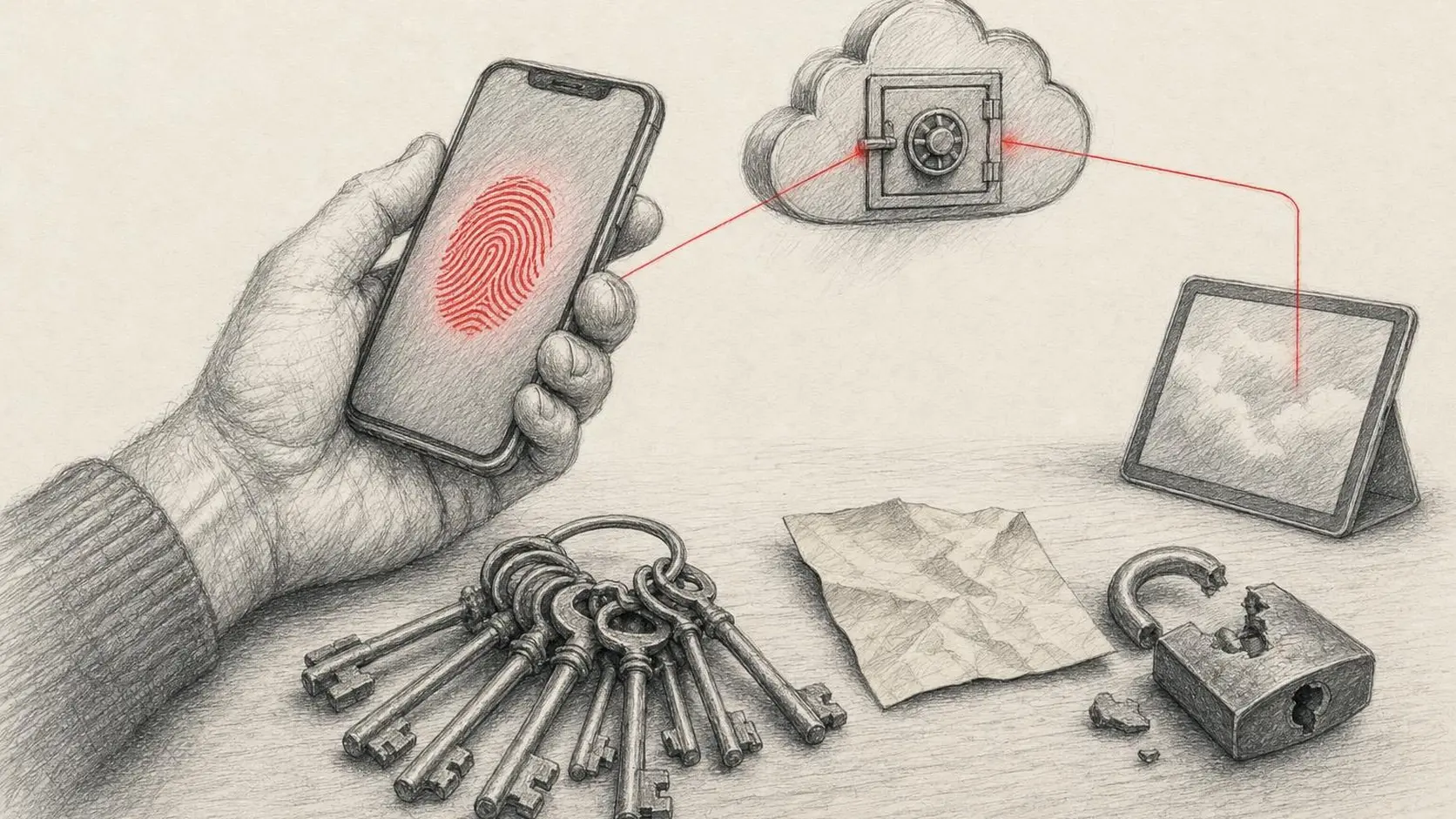
Passwords are the weakest link in most mobile products: users forget them, reuse them and type them into phishing pages, while the team spends resources on account recovery, SMS codes and support. Passkeys take a different approach: instead of a secret the person knows, a cryptographic key pair whose private key never leaves the user's credential manager, with sign-in confirmed by Face ID, a fingerprint or the device PIN.
The technology is supported by iOS, Android and every major browser, and Apple and Google have built it into their system password managers. This article covers how passkeys work, what the backend and mobile client need, how to design the migration UX away from passwords and the details teams trip over most often.
How passkeys work
A passkey is a FIDO2 credential built on the W3C WebAuthn standard and FIDO Alliance specifications. At registration the device generates a key pair for a specific domain (the relying party ID). The public key is stored on your server, the private key in a credential manager: iCloud Keychain, Google Password Manager or a third-party one such as 1Password.
At sign-in the server sends a random challenge, the device signs it with the private key after a biometric check, and the server verifies the signature with the public key. The consequences that matter:
- Phishing resistance. The key is bound to the domain: a passkey for example.com cannot be used on example-login.com.
- Nothing to steal on the server. A leaked database of public keys does not let anyone sign in.
- Sync. Passkeys sync across devices within an ecosystem, and on someone else's device you can sign in by scanning a QR code with a nearby phone (cross-device, or the hybrid transport).
Passwords, SMS and passkeys compared
| Criterion | Password | SMS / e-mail code | Passkey |
|---|---|---|---|
| Phishing resistance | Low | Low (the code can be entered on a fake page) | High, bound to the domain |
| User friction | Remember and type | Wait for and copy a code | One biometric gesture |
| Cost to the business | Recovery, support | Paying per SMS, SMS pumping risk | One-off integration |
| Impact of a database leak | Critical with weak hashing | — | Public keys grant no access |
| Device dependency | None | Phone number, SIM | Credential manager, sync |
NIST SP 800-63B permits syncable authenticators and recognises domain-bound cryptographic authentication, as in WebAuthn, as phishing-resistant, while it classifies using the phone network for SMS codes as restricted. For products handling sensitive data this is a compliance argument, not just a UX one.
What the backend needs
The backend is the relying party server. There is no need to write cryptography from scratch: use proven libraries (SimpleWebAuthn for Node.js, Yubico's java-webauthn-server, py_webauthn, webauthn-rs, libraries for PHP and Go). A list is available at passkeys.dev.
- Registration endpoints: issue creation options (challenge, rp.id, user.id, excludeCredentials) and verify the response.
- Sign-in endpoints: issue a challenge and verify the signature.
- A credentials table: credential ID, public key, signature counter, AAGUID (authenticator model), created and last-used dates. One user can have several passkeys.
- The challenge must be cryptographically random, single-use and short-lived (usually a few minutes).
- user.id must be a random value with no personal data; Google suggests, for example, 16 random bytes rather than an e-mail address.
- Origin checks: the domain for the web, and for Android android:apk-key-hash: with the SHA-256 fingerprint of the signing certificate (Android documentation). Remember to allow both debug and release fingerprints.
iOS: AuthenticationServices and Associated Domains
Passkeys are available from iOS 16 through the AuthenticationServices framework (Apple: Supporting passkeys).
- Add the Associated Domains capability with a webcredentials:example.com entry.
- Host an apple-app-site-association file at https://example.com/.well-known/apple-app-site-association with your App ID under webcredentials (Supporting associated domains). It must be served over HTTPS without redirects.
- For registration use ASAuthorizationPlatformPublicKeyCredentialProvider with a registration request; for sign-in, an assertion request with the server's challenge.
- For AutoFill-assisted sign-in, mark the login field as a username and the system will offer the passkey right in the QuickType bar.
- From iOS 18, automatic passkey upgrades are available: after a successful password sign-in the app can request passkey creation in conditional mode, without an extra dialog.
Android: Credential Manager and Digital Asset Links
On Android the recommended tool is Jetpack Credential Manager, which unifies passkeys, passwords and Sign in with Google in a single system bottom sheet. Passkeys are supported on devices running Android 9 (API 28) and later.
- Add the androidx.credentials and credentials-play-services-auth dependencies.
- Set up Digital Asset Links: an assetlinks.json file at https://example.com/.well-known/ with the app's package, SHA-256 fingerprint and the credential-sharing permission.
- Registration uses CreatePublicKeyCredentialRequest with the server's JSON; sign-in uses GetPublicKeyCredentialOption in getCredential().
- Handle every exception: user cancellation, no credentials, interruption (retryable), missing provider configuration.
- The isConditional flag lets you create a passkey automatically after a password sign-in, the counterpart of automatic upgrades on iOS.
If you use Google Play App Signing, assetlinks.json must contain the fingerprint of the key Google signs the app with, not just your upload key. This is the most common reason passkeys work in debug but fail in the production build.
UX: migrating users away from passwords
Dropping passwords overnight is unrealistic. A workable plan is gradual rollout:
| Stage | What we do | Metric |
|---|---|---|
| 1. Offer after sign-in | After a successful password sign-in, offer to create a passkey or create one automatically | Share of users with a passkey |
| 2. Passkeys in settings | A Security section: list of passkeys, add, remove, last used date | Active passkeys per user |
| 3. Passkey-first sign-in | The sign-in screen offers the passkey first, the password as a fallback | Share of passkey sign-ins, sign-in success rate |
| 4. Sign-up with a passkey | New accounts are created with a passkey and no password | Sign-up conversion |
| 5. Optional password removal | A user with 2+ passkeys may delete their password | Access-related support tickets |
Wording matters. Not everyone knows the word "passkey" yet, so explain the benefit: "Sign in with Face ID, no password needed". Google provides recommended copy and icons in its passkey UX guidelines. Do not show the offer on every sign-in: if the user declines, ask again in a few weeks.
Recovery and edge cases
- Lost device. Synced passkeys are restored with the Apple or Google account. You still need a fallback: an e-mail link, a second passkey, recovery codes. Its security sets the security of the whole system.
- Mixed ecosystems. A user with an iPhone and an Android tablet: the second device can sign in via QR code or create its own passkey. Support several passkeys per account.
- Third-party password managers. 1Password, Bitwarden and others store passkeys too; do not restrict authenticators without reason.
- A passkey deleted on the server. It stays in the user's manager and keeps being offered. Use the Signal API where available, or a clear error that offers another sign-in method.
- Corporate devices. MDM policies may disable Keychain sync; test those scenarios if your product is B2B.
Common mistakes
- rp.id not matching the domain in apple-app-site-association / assetlinks.json, or a redirect on those files.
- Missing release (or Play App Signing) fingerprint in assetlinks.json.
- An e-mail address or phone number as user.id.
- Reusing challenges, or not verifying them on the server.
- Passkey as the only sign-in path with no fallback.
- Treating a user cancelling the dialog as an error and showing an alarming message.
- No analytics: without metrics you cannot tell whether passkeys actually reduce friction.
Implementation checklist
- Backend on a proven WebAuthn library; multiple passkeys per user; single-use challenges.
- apple-app-site-association and assetlinks.json on the rp.id domain, over HTTPS, without redirects.
- Debug, release and Play App Signing fingerprints on the server and in assetlinks.json.
- iOS: Associated Domains (webcredentials), AutoFill-assisted sign-in, automatic upgrades on iOS 18+.
- Android: Credential Manager, every exception handled, isConditional for automatic creation.
- UX: offer after sign-in, a Security section, a passkey-first sign-in screen, clear copy.
- Fallback sign-in and recovery paths with at least equal security.
- Metrics: share of passkey sign-ins, sign-in success rate, access-related tickets.
Sources: FIDO Alliance: Passkeys; W3C Web Authentication Level 3; Apple: Supporting passkeys; Apple: Supporting associated domains; Android: Credential Manager; Android: Create passkeys; Android: Credential Manager prerequisites; Android: Passkeys UX guidelines; Google Identity: Passkeys; passkeys.dev; NIST SP 800-63B.