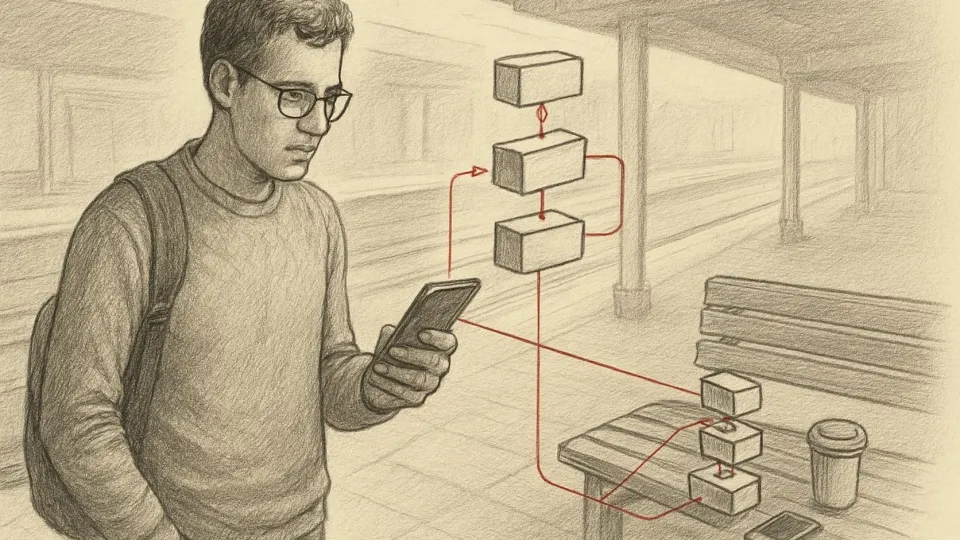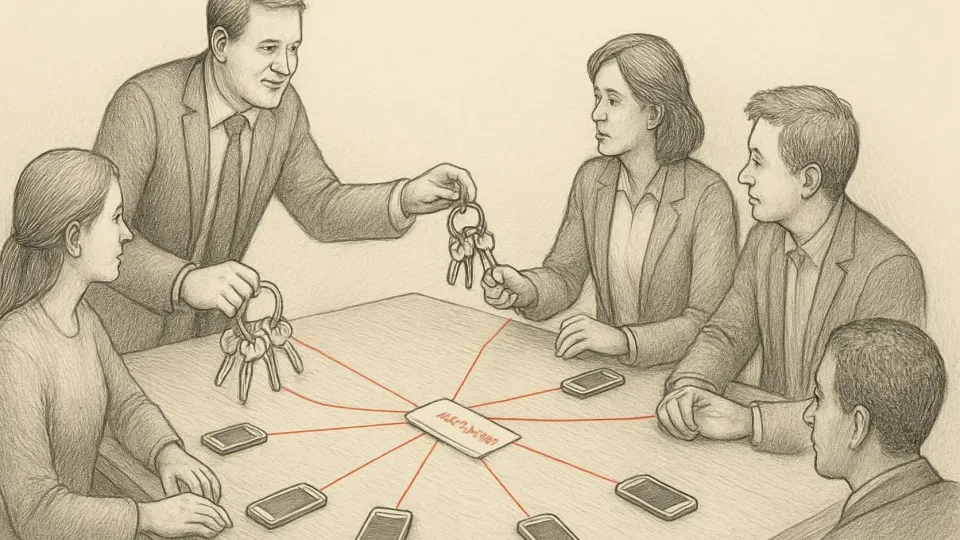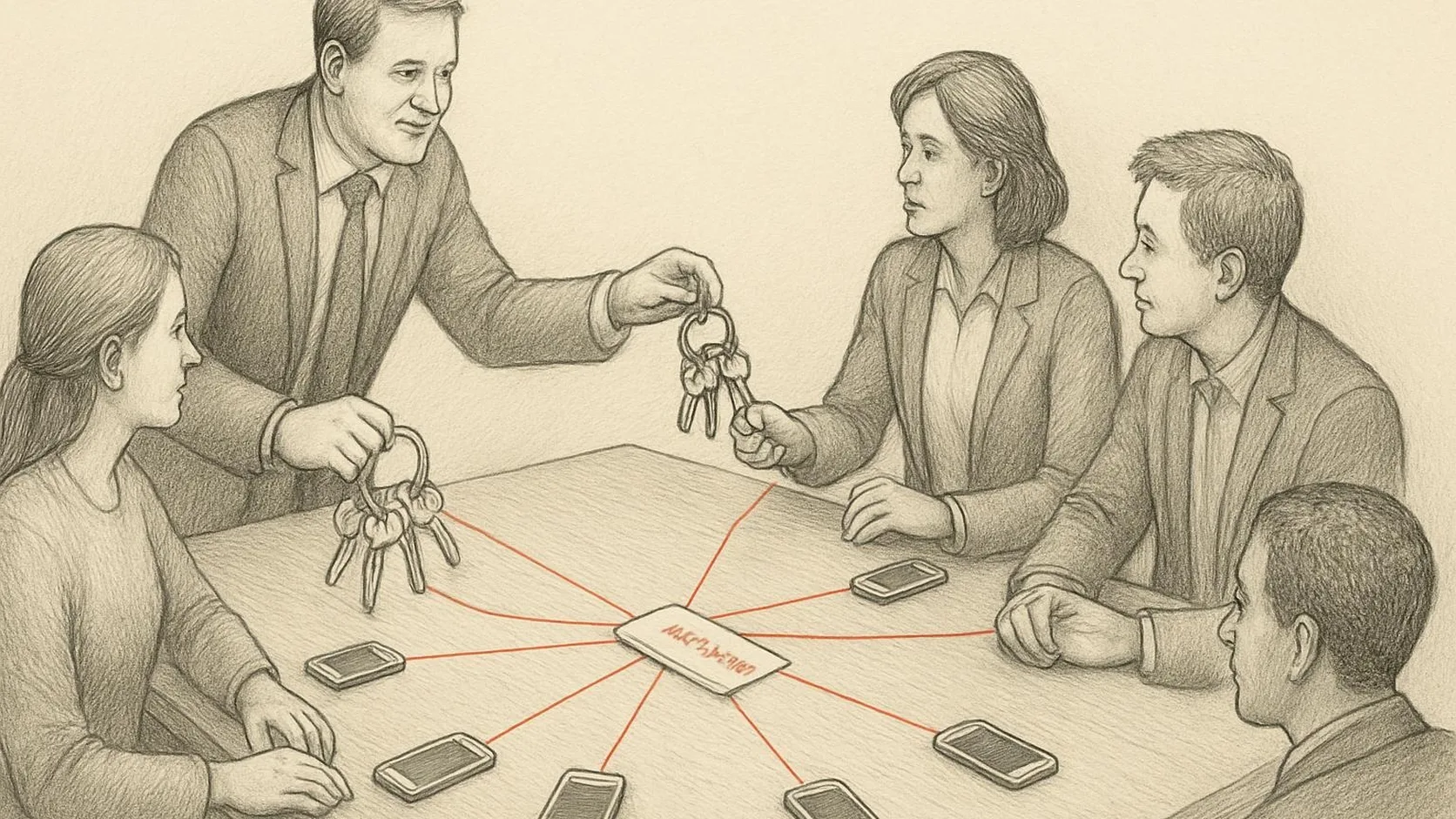
Apple has added a new way to sell App Store subscriptions: multiple seats in one subscription. Organizations and schools can buy subscriptions in volume starting October 22, 2026, and Apple says "group purchases" for regular users arrive on the App Store this winter. Here is what changes for your app and what to check in App Store Connect.
The facts come from Apple Developer News and the App Store Connect help page on purchase options for auto-renewable subscriptions.
What multiseat purchasing is
A customer can buy a subscription in a quantity greater than one. The buyer becomes the "group purchaser," who manages the shared subscription and decides who gets access. An organization buys the seats it needs through a single In-App Purchase and assigns them with its existing device management tools. Seats can be added or removed at any time. Organizations and schools buy through Apple Business or Apple School Manager.
What about groups
The same App Store Connect feature supports subscriptions for groups. From November 2026 you can configure and test group purchases in a Sandbox Apple Account. This winter they become available on the App Store: a person buys several seats and invites others to use the subscription. The App Store Connect help page only says "later this year," with no exact date.
What to know about the settings
- It is on by default for auto-renewable subscriptions. According to the help page, subscriptions created before September 14, 2026 are opted out if they do not use StoreKit 2 or do not have Family Sharing turned on.
- Where to change it: your app, Monetization, Subscriptions, the subscription, Purchase Options. You need the Account Holder, Admin or App Manager role.
- Two questions in the settings: whether customers can buy multiple seats (it must be "yes" for Apple Business and Apple School Manager) and where the subscription is sold: the App Store, Apple Business, Apple School Manager.
- Turning multiseat off after approval is possible but not painless. New customers cannot buy multiple seats, existing subscriptions run until the group purchaser cancels, and no new seats can be added. App Store availability cannot be removed after approval.
- Family Sharing: if it is on, you must confirm before enabling multiseat. Only the group purchaser can share with family, and other seats are for individual use. Once Family Sharing is on, it cannot be turned off.
- License agreement: Apple updated the Developer Program License Agreement with terms for multi-seat subscriptions, and you need to accept it in your account.
Why it matters for your product
Until now a subscription was personal: one person, one subscription. Now the same subscription can be sold to teams, classrooms and families without building your own licensing and invoicing. For B2B apps it opens a sales channel through Apple Business. For consumer apps it is a way to sell a "pack of seats" and encourage users to invite others.
What to do now
- Review Purchase Options on every subscription and decide on purpose whether you want to sell to organizations: it may already be enabled by default.
- Check that your app handles a subscription used by several people, and that access distinguishes the payer from the user.
- Test group purchases in Sandbox before they launch on the App Store.
- Accept the updated license agreement.
- Think through pricing: what to offer for multiple seats and whether volume discounts make sense.
Conclusion
Group purchases turn a subscription from personal into shared. If you earn from subscriptions, walk through the settings now: some changes apply by default and the rest launch this winter. The materials we read do not state pricing, commission or seat limits, so verify those in Apple's documentation before planning.