On 18 November 2026 Google Play announced new requirements for games on large screens and foldables. Two dates are already set: from April 2027 a game's listing must include foldable screenshots, and from August 2027 a game must meet the baseline Tier 3 of the large screen quality guidelines. Otherwise new games and updates cannot be published.
For game studios this means planning testing and art for several form factors well in advance. Below we go through what exactly Google requires, what Tier 3 covers and what to prepare now.
What Google announced
The Android Developers Blog post of 18 November 2026 describes two requirements:
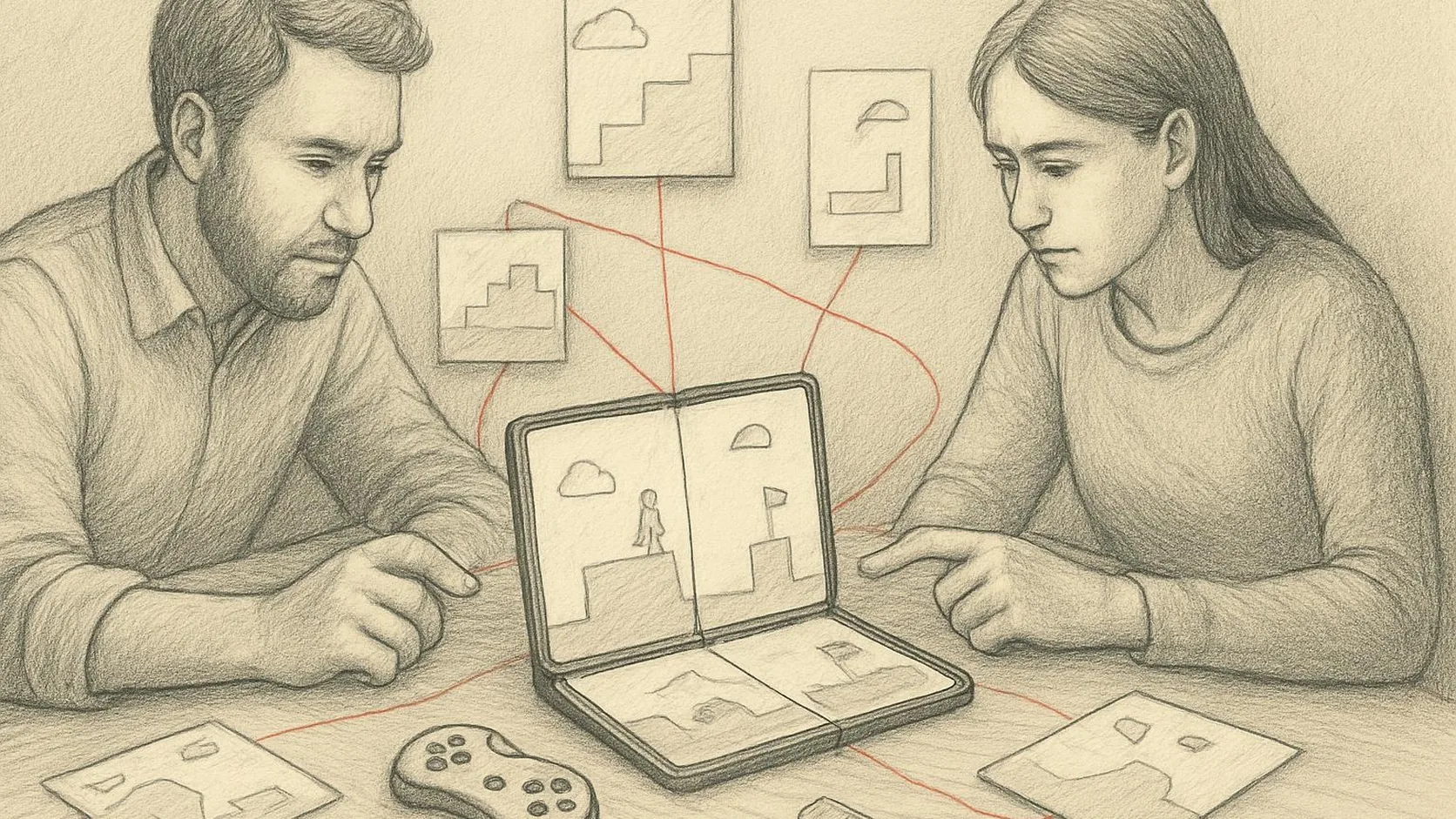
- Foldable screenshots (April 2027). New games and store listing updates need at least 3 foldable screenshots in addition to 1 standard phone screenshot, in the game's primary orientation. You can already upload them in Play Console (Grow → Store presence → Store listings).
- Baseline Tier 3 "Ready" (August 2027). To publish new games and updates, a game must meet at least this level of the large screen and foldables guidelines.
The August milestone focuses on foldables first. Google says the requirements will later extend to tablets, Googlebook laptops and other large screens.
Which screenshots you need
The formats depend on the device type:
- Standard phones: a screenshot in the game's primary orientation, 16:9 (landscape) or 9:16 (portrait).
- Foldables with a 1:1 inner display (for example Samsung Galaxy Z Fold8 Ultra, Google Pixel 11 Pro Fold): at least one screenshot of the unfolded 1:1 inner screen. No separate outer screen screenshot is needed because its aspect ratio matches standard phones.
- Foldables with a 4:3 inner display (for example Samsung Galaxy Z Fold8): at least one screenshot of the 4:3 (or 3:4) inner screen and one of the 16:10 (or 10:16) outer screen.
Screenshots from the Android Emulator's 1:1 and 4:3 foldable devices fully comply with the new Play Console requirements.
The three quality tiers
| Tier | What is evaluated | Status |
|---|---|---|
| Tier 3: Ready | Full-screen rendering in supported orientations, unobstructed HUD safe areas, clean in-engine letterbox/pillarbox in unsupported orientations, state and touch alignment preserved across folding, unfolding, rotation and multi-window resizing | Required from August 2027 |
| Tier 2: Optimized | High-resolution graphics, proportional HUD scaling, styled framing when letterboxing, smooth frame pacing, full playability with external controllers, keyboards and mice | Badging and enhanced merchandising |
| Tier 1: Differentiated | Sustained 60 FPS (120 FPS on supported displays), thermal and battery stability in long unfolded sessions, efficient modern graphics rendering, dynamic resolution scaling between inner and cover screens | Badging and enhanced merchandising |
Google notes that Tier 1 and Tier 2 unlock foldable badging on the Play Store, enhanced merchandising and a path to the Google Play Games Level Up program.
What to check in your game
- Configuration changes without losing progress. Folding and unfolding the device must not restart the session or reset level progress.
- HUD safe areas. UI elements must not be cut off or stretched on the unfolded screen.
- Unsupported orientation. If the game supports a single orientation, it should add bars cleanly inside the engine when rotated.
- Touch alignment. After the window is resized, touch points must match what the player sees.
- Multi-window. Check behavior in a resizable window.
Google points out that with modern engines much of the foundation is already in place: Unity and Unreal have dedicated guides for large screens and resizing.
Timeline
- November 2026: you can upload foldable screenshots; they will appear in listings over the next few weeks.
- April 2027: new games and updates must include foldable screenshots at submission.
- August 2027: baseline Tier 3 is required to publish new games and updates.
You can test on physical devices, in Android Device Streaming, in engine simulators (Unity Device Simulator, Unreal viewport profiles) and in the Android Emulator for 1:1 and 4:3 form factors.
Conclusion
There is enough time to prepare, but game design and UI are the hardest things to change at the last minute. A practical order: capture foldable screenshots, run the game against the Tier 3 checklist on the 1:1 and 4:3 emulators, fix state loss and HUD issues, then look at Tier 2 for badging and merchandising.
Need a foldable audit for your game or help adapting the interface? Get in touch: we will look at your build and propose a plan.